
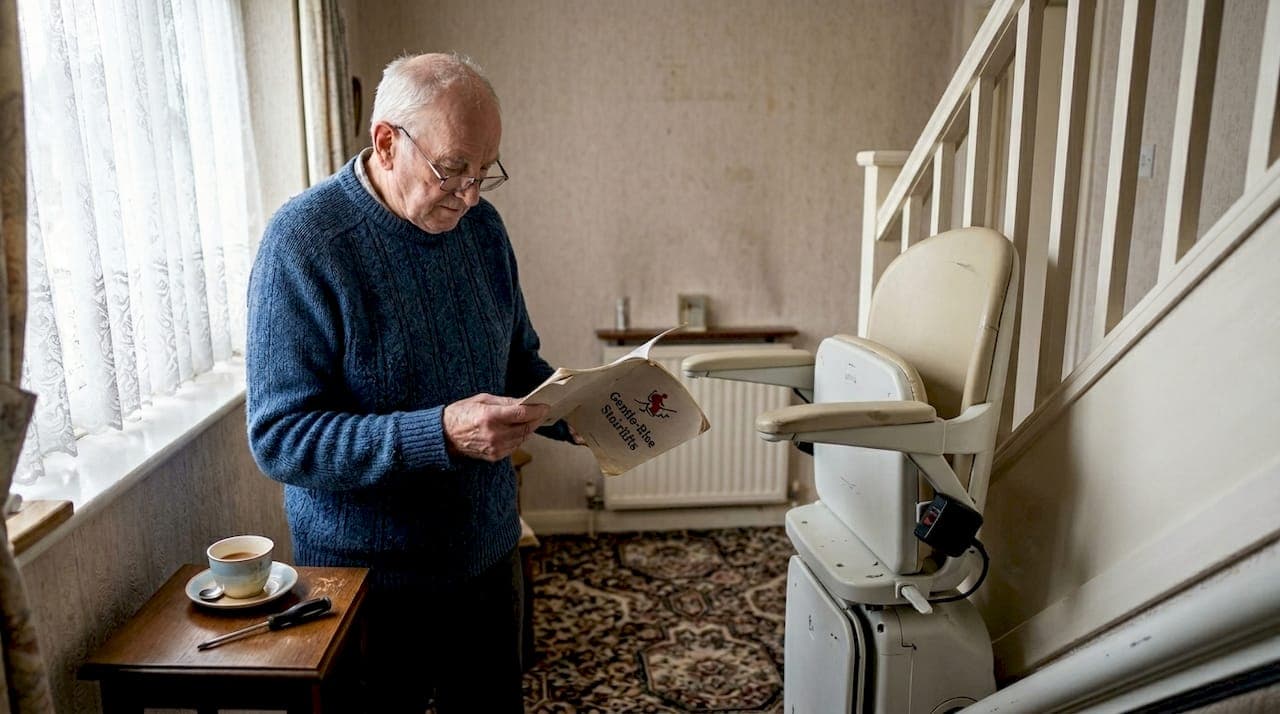
Your Acorn stairlift has stopped mid-stair, and the person who relies on it most is standing at the bottom, unsure what to do next. It is a stressful moment, but the good news is that most common stairlift faults are straightforward to identify and resolve without waiting days for an engineer. This guide walks you through practical, step-by-step troubleshooting so you can restore safe home mobility quickly and with confidence. We have kept everything in plain language, because the last thing you need when you are worried is technical jargon.
Table of Contents
- What to check before troubleshooting
- Essential tools and safety precautions
- Step-by-step Acorn stairlift troubleshooting
- When to call a professional
- Simple maintenance to prevent future issues
- Getting further help and support
- Frequently asked questions
Key Takeaways
| Point | Details |
|---|---|
| Check basics first | Most stairlift issues are resolved by verifying power and clearing minor obstructions. |
| Follow safety procedures | Use the right tools, turn off power, and call a professional for complex problems. |
| Regular upkeep matters | Owner maintenance and annual servicing keep your Acorn stairlift safe and reliable. |
| Know when to seek help | Leave electrical or mechanical repairs to authorised engineers for your safety. |
What to check before troubleshooting
Before diving into specific fixes, it is worth checking a few basics that often resolve issues instantly. Many call-outs turn out to be simple oversights, and catching them early saves time, money, and unnecessary stress. Our guide to stairlifts explains how these machines work, which makes spotting problems much easier.
Run through this checklist first:
- Power supply: Confirm the plug is firmly in the socket and the circuit breaker or fuse has not tripped. A loose plug is one of the most common culprits.
- Obstructions: Check the rail, footrest, and stair edges for anything blocking the lift's path. Even a small object can trigger the safety stop.
- Key switch: Make sure the key switch is turned to the on position. It is easy to knock accidentally.
- Seat swivel: The seat must be locked forward-facing before the lift will move. If it is turned to the side, the lift will not operate.
- Charging point: Confirm the lift is parked correctly at a charging point when not in use. A flat battery is a very common reason a lift will not respond.
- Reset: Power off for 30 seconds and then switch back on. This simple reset clears many minor electronic faults.
Pro Tip: Always keep your user manual in a drawer near the stairlift. It contains model-specific diagrams and error codes that make troubleshooting far quicker.
Essential tools and safety precautions
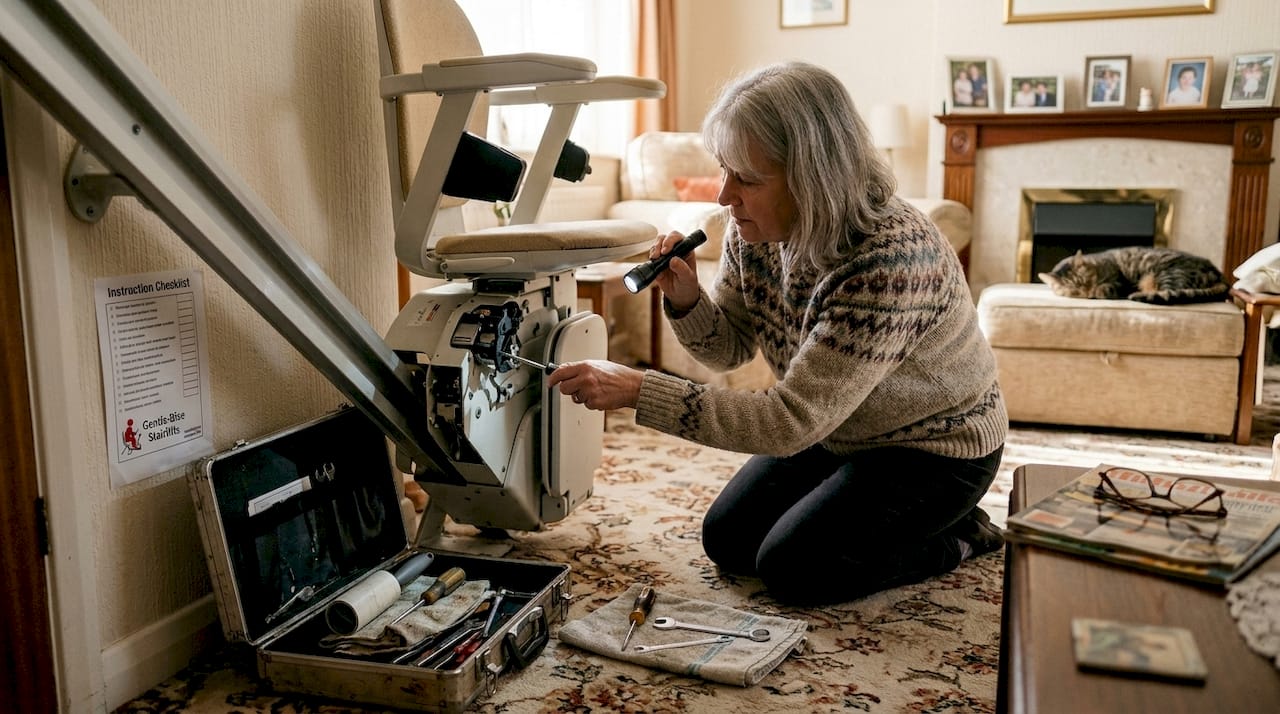
Now that basic issues are checked, let us prepare for hands-on troubleshooting with the right tools and safety practices. Going in unprepared can make a small problem worse, so a little organisation goes a long way.
Here is what to have ready before you start:
- A torch to inspect the rail and undercarriage clearly
- A clean, dry cloth for wiping sensors and surfaces
- Protective gloves to avoid cuts from the rail mechanism
- Your mobile phone in case you need to call for help
The benefits of stairlifts are only fully realised when the lift is maintained safely, so never skip the preparation stage.
| Task | Safe for owner | Requires engineer |
|---|---|---|
| Clearing rail debris | Yes | No |
| Wiping sensors | Yes | No |
| Checking plug and fuse | Yes | No |
| Inspecting wiring | No | Yes |
| Lubricating motor parts | No | Yes |
| Replacing electronic components | No | Yes |
Safety warning: Always turn off the power at the wall socket before inspecting the rail or any part of the mechanism. Never place your hands near moving parts while the lift is switched on.
The Acorn 130 user manual recommends that owners carry out basic operational checks every two months, with an annual service completed by an authorised engineer. Sticking to this schedule keeps the lift safe and the warranty valid.
Step-by-step Acorn stairlift troubleshooting
With tools and safety in mind, follow these step-by-step instructions tailored for the most frequent Acorn stairlift issues. Work through them in order, as each step builds on the last.
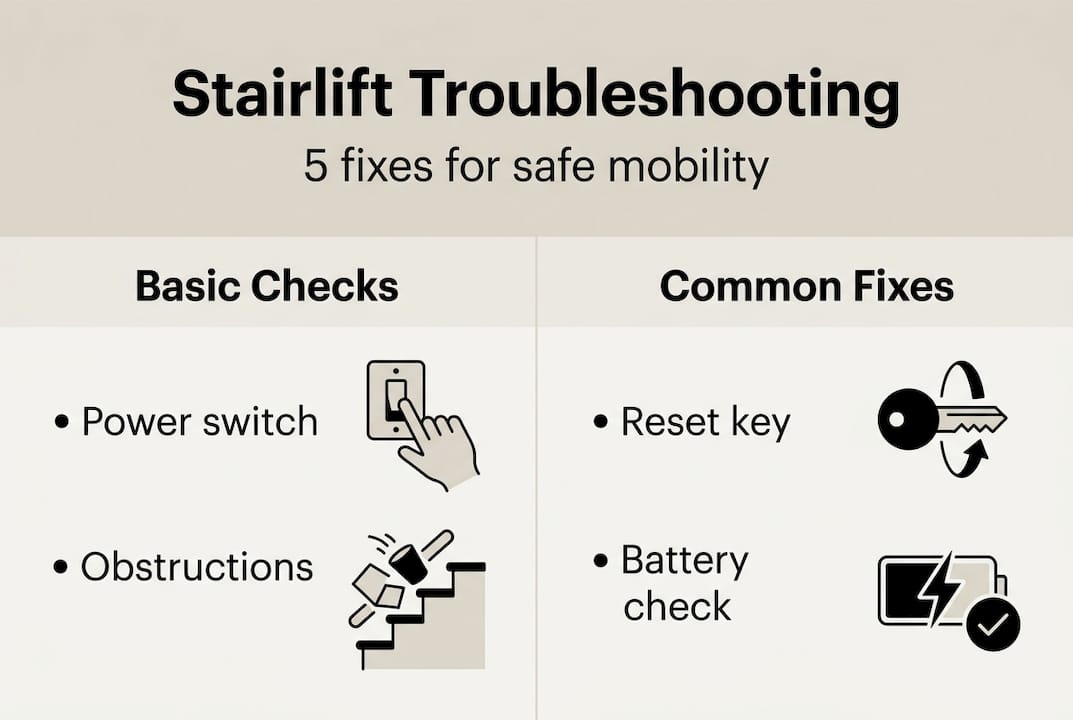
- Check the power source. Go to the wall socket and confirm the plug is secure. Check your fuse box for any tripped switches. Restore power if needed and try the lift again.
- Inspect the rail for obstructions. Walk the full length of the rail and look for objects, pet toys, clothing, or debris. Remove anything you find and test the lift.
- Verify all safety switches. Confirm the key is in the on position, the seat is facing forward and locked, and both armrests are fully lowered. All three must be correct for the lift to operate.
- Park at the charging point. If the lift is sluggish or unresponsive, guide it manually to the charging strip at the top or bottom of the rail and leave it for 30 minutes before retesting.
- Perform a full reset. Switch off the power at the wall, wait 30 seconds, then switch back on. This clears temporary electronic errors.
- Test the remote controls. Try both the handheld remote and the fixed joystick on the chair. If one works and the other does not, the issue is with that specific controller rather than the lift itself.
Pro Tip: Before you call an engineer, note any sounds the lift makes, such as clicking, grinding, or beeping, and observe any flashing lights. This information helps a technician diagnose the fault far more quickly.
Choosing the most reliable stairlift from the outset reduces the frequency of these issues, but even the best models benefit from attentive troubleshooting.
| Symptom | Likely cause | Suggested action |
|---|---|---|
| Lift will not move at all | Power or key switch | Check plug, fuse, and key position |
| Lift stops mid-journey | Obstruction or safety switch | Clear rail, check seat and armrests |
| Beeping or flashing light | Low battery | Park at charging point |
| Grinding noise | Debris on rail or motor issue | Clear rail; call engineer if noise persists |
| Remote not responding | Battery or signal fault | Replace remote batteries; test joystick |
When to call a professional
If a lift still will not function after working through the steps above, or shows unusual signs, do not ignore issues that require professional attention. Some faults are simply beyond safe DIY resolution.
Call an authorised engineer if you notice any of the following:
- Burning smell or visible scorching near the motor or wiring
- Persistent grinding or clunking that does not clear after removing rail debris
- The lift moves erratically or jolts unexpectedly during travel
- Error codes on the display that are not explained in your user manual
- Physical damage to the rail, carriage, or seat mechanism
The Acorn 130 user manual is clear that an annual service by an authorised engineer is mandatory, not optional. Skipping this service can void your warranty and, more importantly, compromise safety.
Important: Attempting to repair wiring, motors, or electronic control boards yourself is dangerous and may cause irreparable damage to the lift. Always leave these tasks to a qualified professional.
Understanding stairlift costs in advance helps you budget for servicing without surprises. If you are based in the West Midlands, our team covering stairlifts in Dudley and surrounding areas can arrange prompt engineer visits.
To find a trusted engineer, look for companies registered with the British Healthcare Trades Association (BHTA), which sets standards for stairlift installation and servicing across the UK.
Simple maintenance to prevent future issues
Regular maintenance prevents most inconvenient breakdowns and prolongs the lifespan of your stairlift considerably. A few minutes every couple of months is all it takes.
Follow this routine to keep your lift in good working order:
- Every two months: Test the lift by running it the full length of the rail. Listen for unusual sounds and check that all safety switches respond correctly.
- Every two months: Wipe the rail with a dry cloth to remove dust, pet hair, and debris. Pay particular attention to the sensor strips along the underside of the rail.
- Every two months: Check that the charging contacts at the top and bottom of the rail are clean and free from grime.
- Annually: Book a service with an authorised engineer. The Acorn 130 manual confirms this is a mandatory requirement for continued safe operation.
Additional habits that make a real difference:
- Keep a simple log of any minor faults, unusual sounds, or error codes. Patterns in this log help engineers diagnose recurring issues quickly.
- Avoid placing objects on the stairs near the rail, as even lightweight items can trigger the safety stop unexpectedly.
- Check that the power socket is accessible and that the cable is not pinched or frayed.
For households across the UK, our UK stairlift coverage page shows where our engineers operate, making it easy to arrange local support when you need it.
Getting further help and support
Whether you need urgent repairs or advice about future stairlift needs, expert help is always nearby. Working through this guide will resolve most common faults, but some situations call for professional support, and there is no shame in reaching out.

At Gentle Rise Stairlifts Ltd, we support families and individuals across the UK with installation, servicing, and replacement stairlifts starting from £795. If your current lift is ageing or repeatedly causing concern, it may be worth exploring whether a reconditioned or new model is a more cost-effective long-term solution. Our Stairlift Protect+ maintenance programme gives you scheduled servicing, priority call-outs, and peace of mind throughout the year. You can also browse our advice on choosing the most reliable stairlift to make a confident, informed decision. Contact us today for a free home survey with no obligation.
Frequently asked questions
Why has my Acorn stairlift stopped halfway up the stairs?
This is most often caused by a power interruption, an obstruction on the rail, or a safety switch that has disengaged. Run through the basic troubleshooting steps before calling an engineer, as these resolve the majority of mid-journey stops.
Do Acorn stairlifts need regular maintenance?
Yes. The Acorn 130 manual specifies owner checks every two months and a mandatory annual service by an authorised engineer to ensure continued safe operation and to keep the warranty intact.
Can I fix a beeping or flashing light on my Acorn stairlift?
In most cases, a beeping sound or flashing light indicates a low battery or charging fault. Park the lift at its charging station, confirm the power is on, and allow 30 minutes to recharge before testing again.
Is it safe to repair an Acorn stairlift myself?
Simple tasks such as clearing debris from the rail or wiping sensors are perfectly safe for owners to carry out. However, electrical and motor repairs must only be performed by a qualified, authorised engineer to avoid injury or damage to the lift.